AI Video Generator
Create video from prompts and reference images directly in the Hypereal web app. Pick a model, tune duration and aspect ratio, render, review, and keep every result in your studio history.
A fashion model walks through a neon-lit studio, slow camera push, cinematic reflections, 9:16 social video.
Generate video without writing code.
Write a prompt
Describe the shot, camera movement, subject, style, and output format inside the web editor.
Add references
Upload a starting image or style reference for image-to-video and reference-guided video models.
Choose a model
Pick Seedance, Kling, Veo, HappyHorse, WAN, Hailuo, PixVerse, or Gemini Omni Video from the model picker.
Render and review
Run the job, watch status, open the final clip, download it, or reuse it as the next reference.
Everything happens in the browser.
This page is for creators using the Hypereal web interface. If you need code, use the API page instead.
No API code
Use a visual prompt box, model picker, upload control, settings panel, and output preview.
Image to video
Start from an uploaded frame, product photo, character image, or style reference.
Studio history
Review previous generations, reopen outputs, download clips, and continue from past results.
Credit balance
Video renders spend Hypereal Credits from the same wallet used across the web studio.
Top video models are available from the web UI.
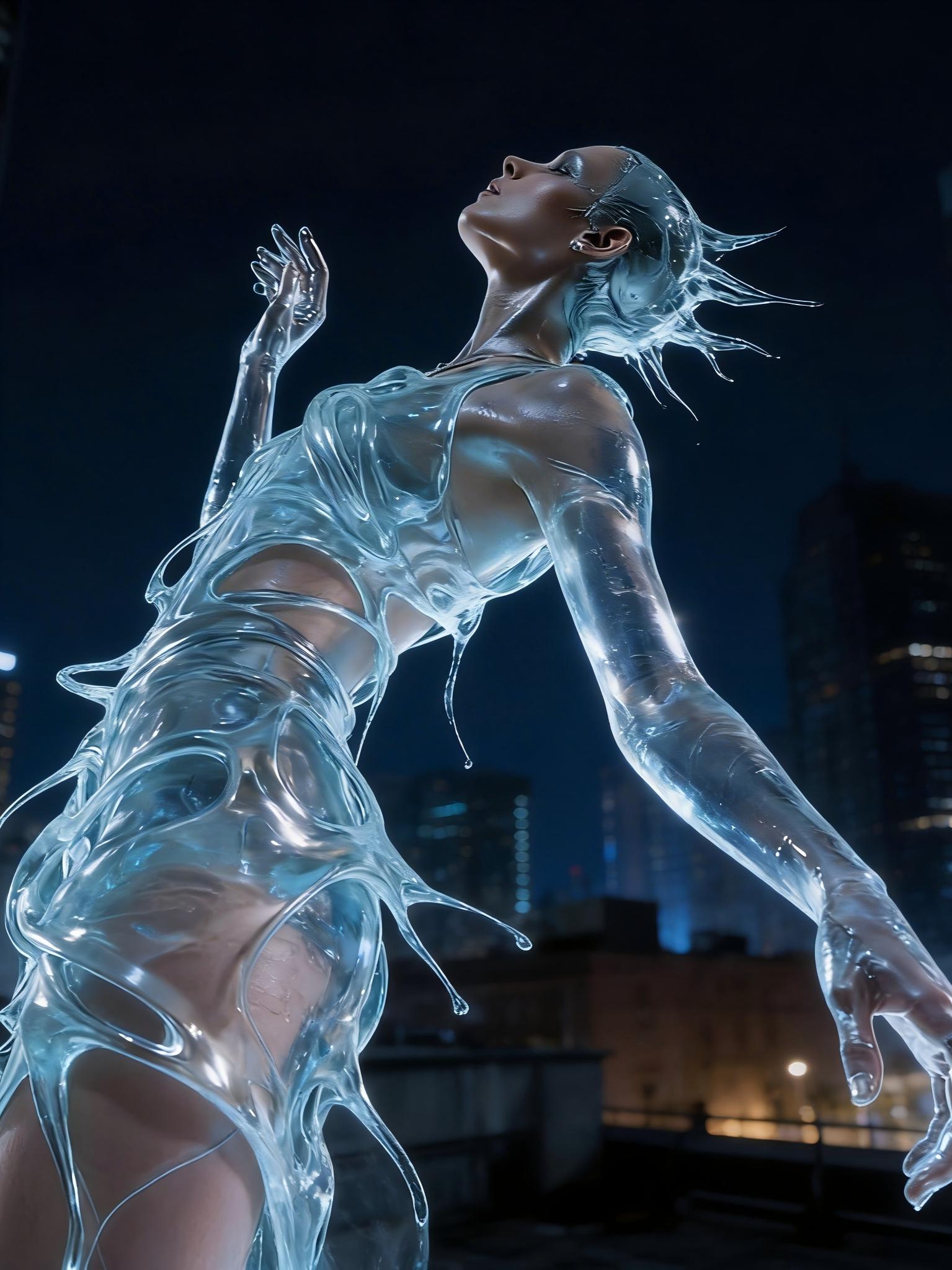
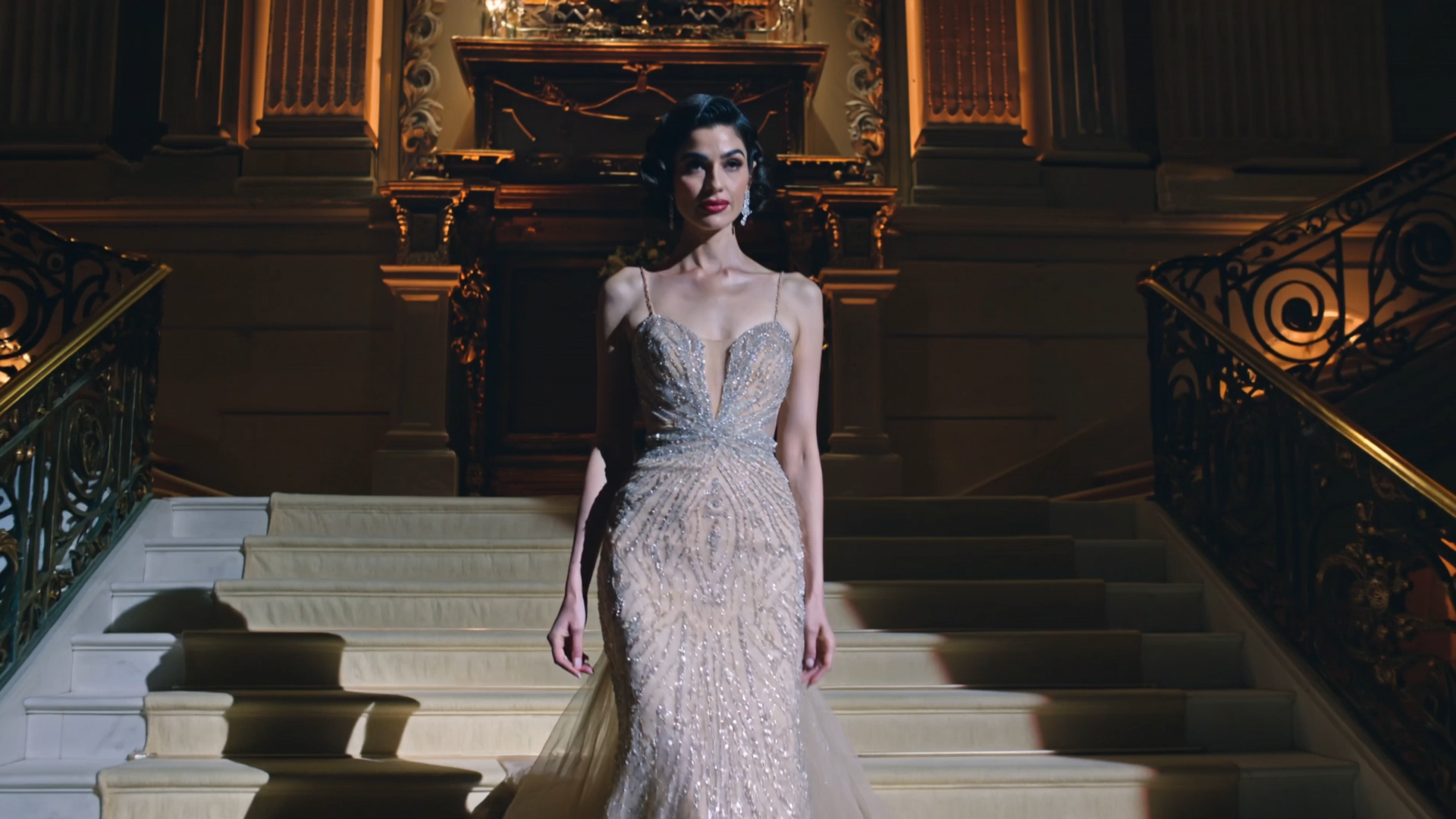
Create, review, and download clips.
Use the browser studio for creator workflows, quick testing, social clips, product demos, and reference-guided motion. The API page is for developers who want to automate the same model access from code.
Start generating